Phone Guy AI Voice Generator
Calm recorded briefings that bury the bad news in the middle. Write a short line, try the Phone Guy-style voice, and download the spoken preview.
- Generate a short public preview without signing in
- Download the MP3 or continue in the video editor
Try the Phone Guy voice
Public previews are short, fast, and downloadable. Continue in the editor when you are ready to build a full video.
Preview status
Ready to generate
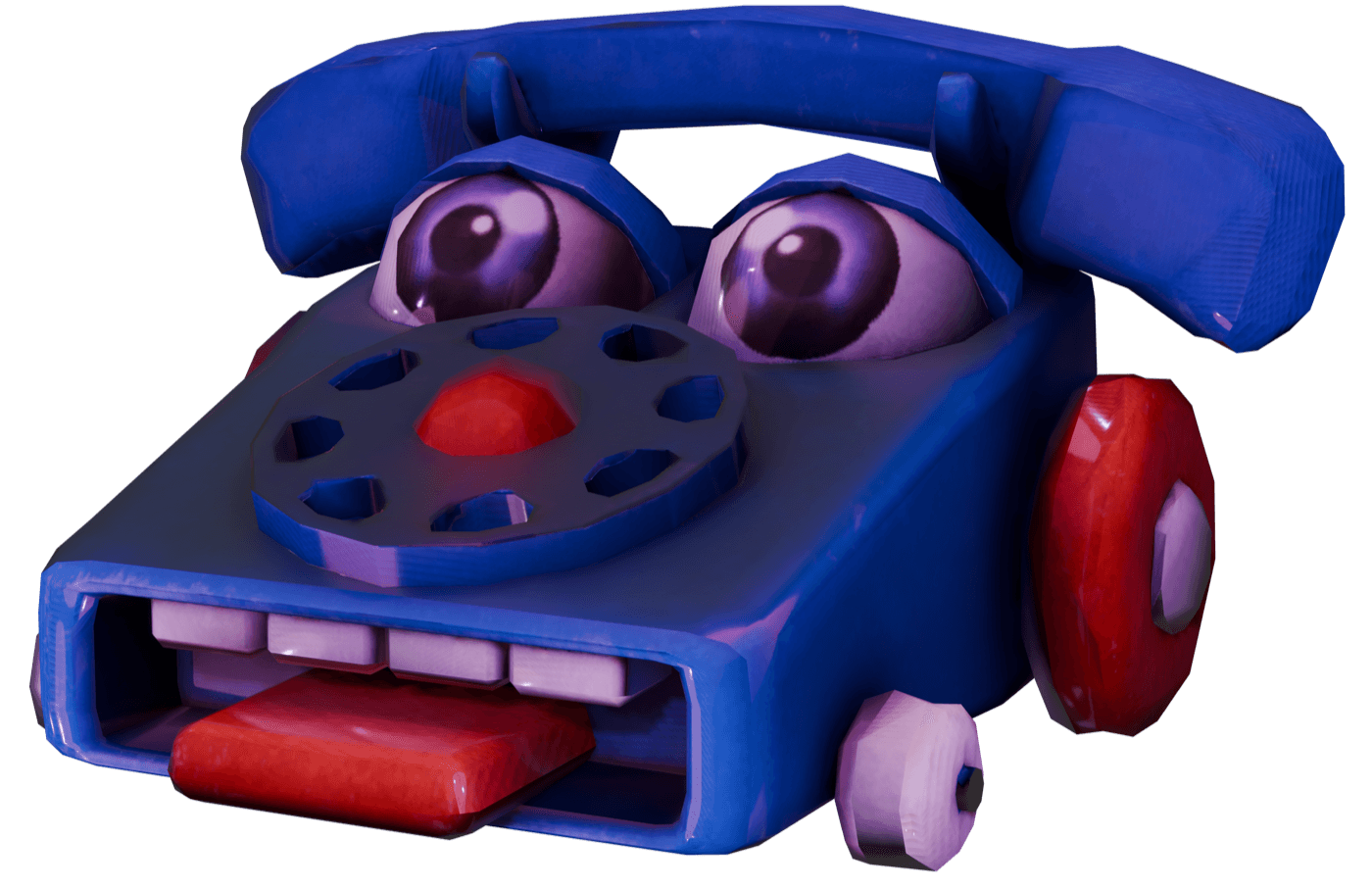
Phone Guy is the voice of a message left by someone who has already gone home. Open with a casual greeting, list two or three routine updates, and slip the alarming one in between the harmless ones. The comedy comes from how unbothered he sounds about it. Pair him with Nightmare Freddy when you want the thing he mentioned to answer back.
What makes this voice work
Why Phone Guy hits different
Calm recorded briefings that bury the bad news in the middle
Open like a voicemail and keep the tone friendly the whole way through.
Hear the delivery before building a scene
Try the original handover message and policy update examples. Edit the wording and compare the generated read with the catalog sample.
Build a conversation
Combine Phone Guy with Nightmare Freddy or GLaDOS in the editor, with a separate voice and timing for each line.
Three steps
How it works
- 1
Choose a line
Start with a Phone Guy script idea below or enter your own text, up to 220 characters for the public preview.
- 2
Generate and listen
Generate the spoken clip on this page, listen to the full line, and download the MP3. Public previews are rate-limited.
- 3
Create the complete video
Sign in to bring this character into the editor with captions, scene timing, backgrounds, and other voices. Voice access depends on your account.
Writing guide
How to write for Phone Guy
Do this
- Open like a voicemail and keep the tone friendly the whole way through.
- Put the worrying item between two completely ordinary ones.
- End with a normal sign-off so the listener notices what was skipped over.
Avoid this
- Panic in the wording removes the contrast the whole joke rests on.
- Keep the danger implied rather than describing anything graphic.
Creator use cases
What to make with Phone Guy
Night shift cold opens
Brief a fictional new hire before the first scare of the clip.
Workplace parody voicemails
Report a serious problem as a routine maintenance note nobody plans to fix.
Related resources
Keep going
Nightmare Freddy
Slow, menacing threats for jump-scare setups and closet-door horror comedy.
Try Nightmare Freddy →GLaDOS
Clinical instructions that quietly become an insult.
Try GLaDOS →Explore the voice library
Listen to other character voices and find the right partner for your scene.
Browse all voices →FAQ
Phone Guy voice — common questions
Yes. The public preview accepts a short line of up to 220 characters and lets you generate, play, and download the audio without signing in. Requests are rate-limited; longer editor projects require an account and an eligible plan.
Write it as a recorded message: a greeting, a short list of updates, one detail that should worry the listener, and a cheerful sign-off. This page generates one speaking part, so add a second voice in the editor for the reply. Keep the writing original and the scares suggestive rather than graphic.
Yes. Once your preview finishes, use the download control to save the generated MP3. You can revise the text and try another reading within the preview limits.
The selected model and all examples on this page are English. Other-language pronunciation can vary, so use a native-language model from the voice library when the accent matters.
Yes. Sign in and select the character in the Brainrot Shorts editor. Voice access depends on your account. Add the script, other character voices, backgrounds, and captions, then export your video.
Disclaimer: Phone Guy is associated with Five Nights at Freddy's. Brainrot Shorts is an independent creator tool and is not affiliated with, endorsed by, or sponsored by the character, franchise, performers, or rights holders. This is synthetic speech; label generated content appropriately and use it responsibly.