AI Lip Sync Generator — Make Anyone Say Anything
Type a script or upload audio, pick a talking head — or bring a single photo to life — and the AI syncs the mouth to your words in any voice. Politicians, tech founders, your own AI avatar: one studio for lip-sync clips and talking-photo videos, built for short-form.
Your script · any voice
“Here’s exactly how I’d start today…”
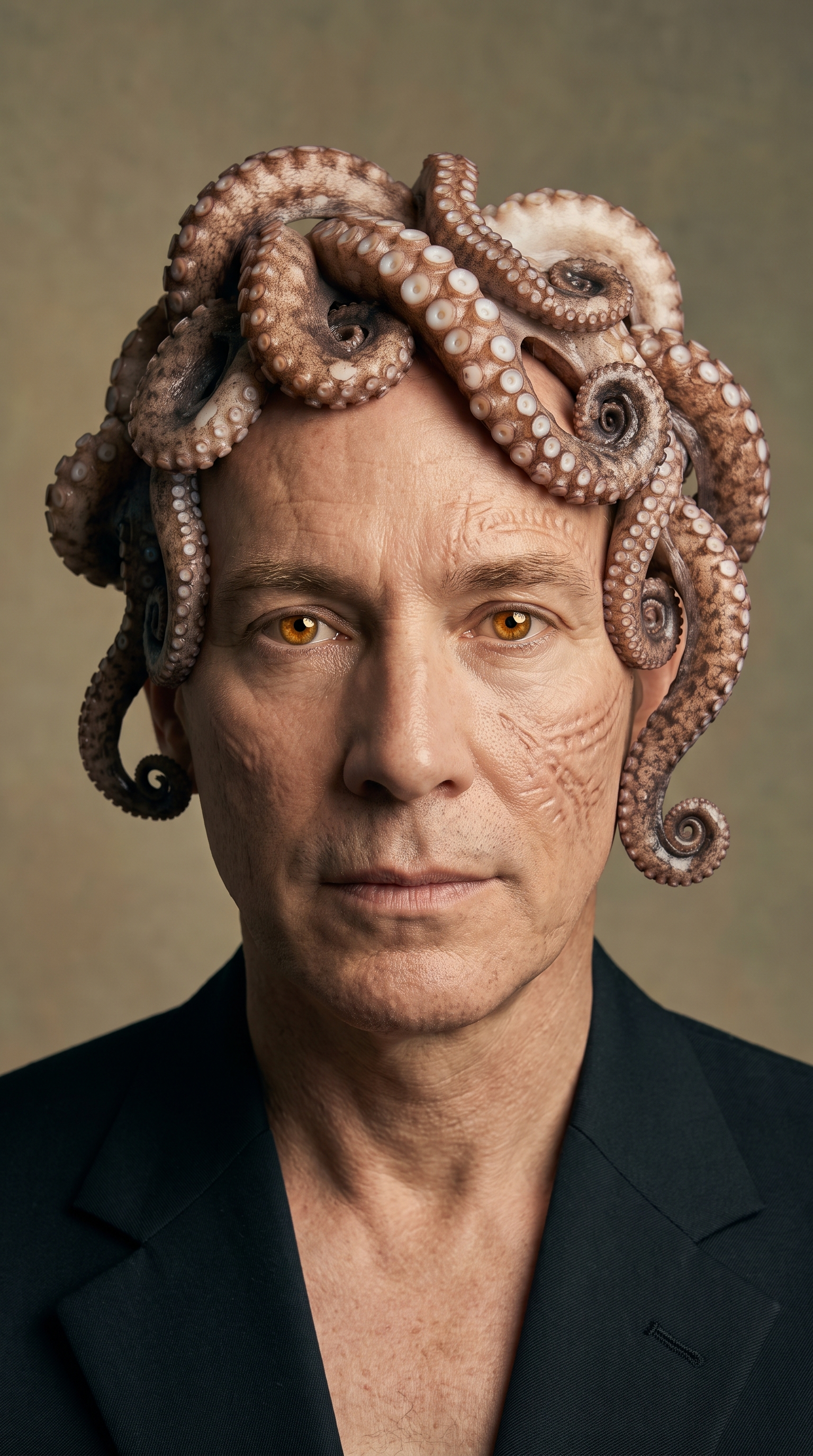
Public figures shown for demonstration. Make parody, commentary, and satire responsibly — and always disclose AI-generated content.
What Is an AI Lip Sync Generator?
A Voice Goes In. A Talking Face Comes Out.
An AI lip sync generator takes a face — a video clip or a single photo — and an audio track, then redraws the mouth so it looks like that person is genuinely speaking your words. It’s the technology behind the “deepfake” clips you’ve seen: a president narrating a meme, a founder reading your hook, your own AI avatar hosting a video. The difference between a gimmick and a usable clip is how believable the mouth is — and that’s the whole job here.
Frame-accurate mouth sync
The mouth actually matches the words — not a vague wobble. Phonemes line up with the audio so the result reads as real speech, not a filter.
Any voice, any language
Type a script and pick a voice — a public-figure match, a cloned tone, or a clean narrator — or upload your own audio. The face follows whatever it hears.
The identity stays put
Lighting, angle, and the person's likeness are preserved end to end. Only the mouth moves, so a recognizable face stays recognizable.
Two Ways to Create
Sync a Clip, or Bring a Photo to Life
The same studio, two starting points. Both take your audio and hand back a ready-to-post 9:16 video.
Lip-sync a talking head
Start from a real talking-head clip — a president, a founder, a creator from the 30+ template library, or your own upload. Give it a script and a voice, and the AI re-syncs the mouth to the new words while the footage keeps moving naturally.
- Public-figure library
- Upload your own clip
- Voice auto-matched
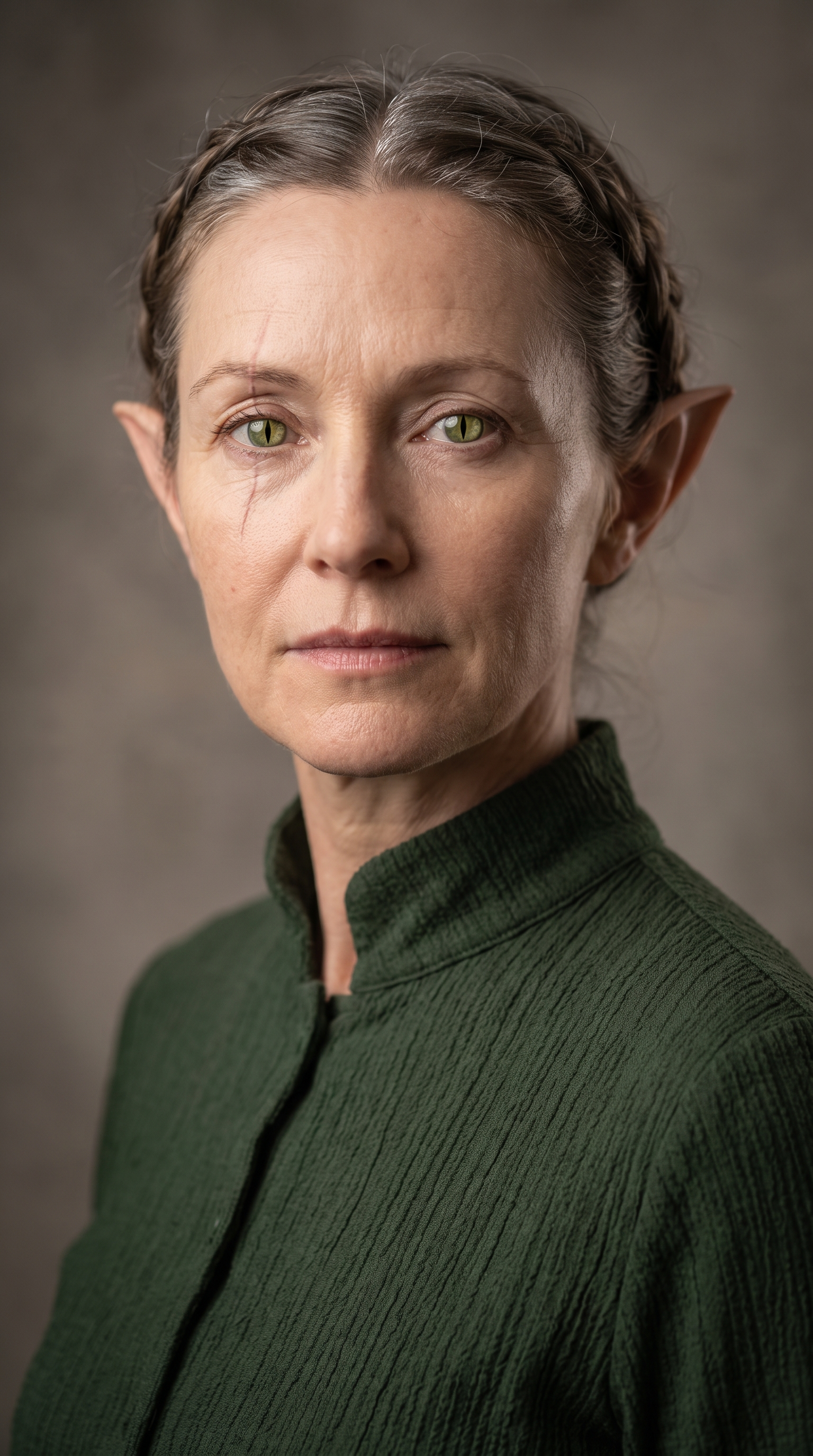
Talking photo from one image
No footage? A single still is enough. Animate a portrait — an AI avatar, a character, a product mascot — straight from audio, and it starts talking with lifelike mouth movement and subtle head motion.
- One photo in
- Great for AI avatars
- Head + mouth motion
The talking-photo path pairs perfectly with a character you already own — generate one in the AI Avatar Generator, then give it a voice here.
How It Works
From Script to Synced Video in Four Steps
Pick a face
Choose a talking head from the library — politics, tech, entertainment, motivation — or drop in your own clip or a single portrait. Each public-figure clip comes pre-matched to its voice.
Write a script or upload audio
Type what you want them to say and generate the voiceover, or upload an audio file you already have. This is the track the mouth will follow — so pace it like real speech.
Let the AI sync the mouth
The generator redraws the mouth frame by frame to match your audio, keeping the face, lighting, and angle intact. A short clip is ready in about a minute.
Download and post
Export a clean 9:16 video, add captions or a background if you want the full brainrot edit, and publish straight to TikTok, Reels, and Shorts.
Use Cases
What Creators Make With Lip Sync
Satire, parody & commentary
Put a recognizable public figure at the center of a clearly-labeled parody, reaction, or hot-take edit — the format that reliably stops the scroll on the brainrot feed.
Faceless news & explainers
Let a familiar talking head narrate a rundown, a recap, or an explainer. You never appear on camera and the video still has a face people recognize.
AI avatar hosting
Give the avatar you already built a voice. Talking-photo mode turns a single portrait into a presenter for intros, tutorials, and series episodes.
Personalized talking-photo messages
Turn one photo into a short spoken message — a greeting, a shout-out, a promo — without booking a shoot or writing a line of animation.
Motivation & quote edits
Pair a motivational voice with a matching face for the quote-over-gameplay format, then send the export straight into a full brainrot edit.
Ads, promos & UGC hooks
Spin up a dozen talking-head hook variations for a product in an afternoon and test which face and script actually convert.
The Natural Next Step
Your AI Avatar Was Always Meant to Talk
An AI avatar gives you a consistent face. Lip sync gives that face a voice. It solves the same problem — showing up on camera without a camera — one step further down the line: instead of a still portrait, you get a presenter that looks into the lens and speaks your script.
Build the identity once, then reuse it in every video: intros, explainers, series episodes, trend participation. Same character, new lines, no shoot.
FAQ
AI Lip Sync Generator — Frequently Asked Questions
An AI lip sync generator takes a face — either a talking-head video clip or a single photo — and an audio track, then redraws the mouth so the person appears to genuinely speak your words. It's the technology behind the deepfake-style clips you see online: a public figure narrating a meme, a founder reading your hook, or your own AI avatar hosting a video. Brainrot Shorts runs it in two modes: re-syncing an existing clip, and animating a still photo from audio.
You can set up your video free: create an account, pick a template or upload your own clip, write the script, and prepare the audio without paying. Generating the synced video is part of every paid plan, which includes monthly credits for lip sync alongside every other studio tool.
Lip sync starts from a video clip of someone already moving and talking — the AI just re-syncs the mouth to new audio. Talking photo starts from a single still image and generates the motion from scratch, adding lifelike mouth movement and subtle head motion. Use lip sync when you have footage; use talking photo when all you have is one picture, like an AI avatar portrait.
The studio ships with a library of 30+ recognizable talking heads across politics, tech, entertainment, and motivation, each pre-matched to a voice. It's built for parody, satire, commentary, and reaction content — the formats that perform on short-form. You're responsible for using it lawfully: keep it clearly non-deceptive, respect likeness and publicity rights, and disclose that the video is AI-generated.
Yes. Upload your own talking-head video to re-sync it, or upload a single portrait to turn it into a talking photo. It also works with characters you create in the AI Avatar Generator — build the face once, then give it a voice here.
Type a script and generate the voiceover with a matched public-figure voice or a clean narrator, or upload an audio file you already have. Whatever the audio is, the mouth follows it — so you control both the words and the delivery.
It's the natural next step. An AI avatar gives you a consistent digital face; lip sync gives that face a voice. Build the identity once in the AI Avatar Generator, then use talking-photo mode here to turn it into a presenter for intros, explainers, and series episodes — same character, new lines, no shoot.
Exports are vertical 9:16 videos ready for TikTok, Instagram Reels, and YouTube Shorts. You can add captions, a background, or gameplay b-roll for a full brainrot-style edit before you publish.
Make Your First Talking Video Today
Pick a face, write a line, and watch the mouth match your words. Start free — no editing skills, no camera, no shoot.
Use it responsibly: create parody and commentary, respect likeness rights, and disclose AI-generated content.