Prompt to Video AI — One Prompt, a Finished Short
Type a text prompt and get back a complete narrated 9:16 short. The AI writes a retention-tuned script, paints every scene in your visual style, adds cinematic camera motion, and burns in word-synced captions — in one click, with no AI video model and no editing timeline.
Your prompt
“The fall of Rome in 60 seconds — dramatic, told like a thriller”
Text Prompt In, Finished Video Out
What Is a Prompt to Video AI Generator?
A prompt to video AI takes a written idea and produces a video from it. Most tools stop at a silent, five-second AI clip you still have to script, voice, and edit. This one ships the whole short: from a single text prompt it writes the story, generates the visuals, animates them with cinematic camera moves, narrates, and captions — one click, one finished video.
Script
The AI turns your text prompt into a hook-first, scene-by-scene script written for short-form retention — open loops, punchy lines, no filler.
Paint
Every scene gets 1–3 AI-generated images in your chosen visual style, so the whole video looks like one production, not a stock-footage collage.
Move
Cinematic camera motion — Ken Burns, parallax, dolly, zoom, and pans — is applied programmatically. Real eased moves, no AI-video morphing artifacts.
Narrate
A natural AI voice reads the script, and every scene is timed to the narration — pacing follows the story, not a fixed slideshow clock.
Caption
Word-synced captions are burned in with styles built for TikTok and Shorts, so the video works with the sound off too.
Export
You get a 1080×1920 vertical MP4, ready to post to TikTok, Instagram Reels, and YouTube Shorts.
How It Works
From Text Prompt to Video in Four Steps
Type your prompt — or let AI write it
Describe the video you want, like “why the Titanic was doomed before it sailed, told like a mystery.” Got a rough draft? Improve Prompt rewrites it into a strong one. Got nothing? Generate Prompt invents an idea for you.
Pick a style, voice & length
Choose one of 8 visual styles — cinematic, photorealistic, 3D, anime, watercolor, cyberpunk neon, oil painting, or vintage film — pick an AI narrator, and set the length anywhere from 30 seconds to 3 minutes with the slider.
One click generates everything
Hit generate and the pipeline runs end to end: the AI writes the script, paints every scene, applies cinematic camera motion, records the narration, and renders the video while you watch the progress.
Tweak scenes & post
Open any scene to regenerate an image or swap its camera move, apply changes and re-render — or just download the 1080×1920 MP4 and post it to TikTok, Reels, and Shorts.
Visual Styles
One Prompt, Eight Looks
Pick a style once and every scene in your video is generated in it — same subject, radically different vibe. These previews are real renders of the same prompt in each style.
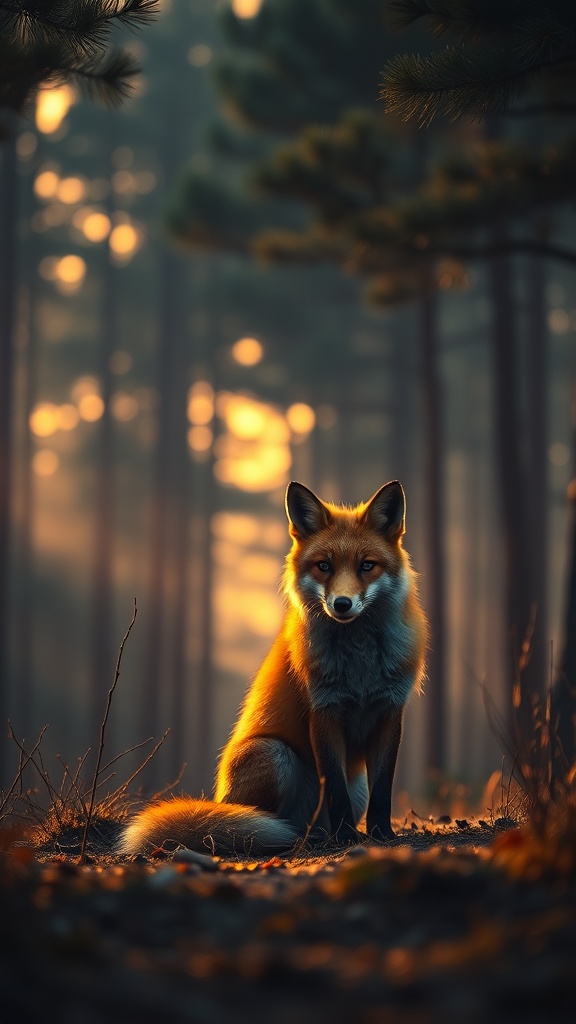
Cinematic
Moody film still with dramatic light and shallow depth.
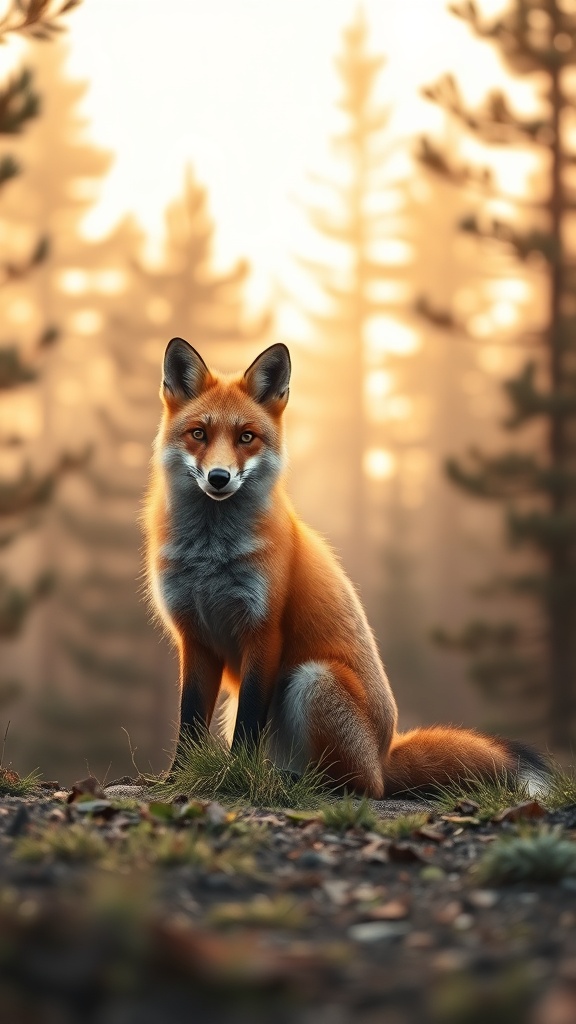
Photorealistic
Lifelike photography with natural light and sharp detail.
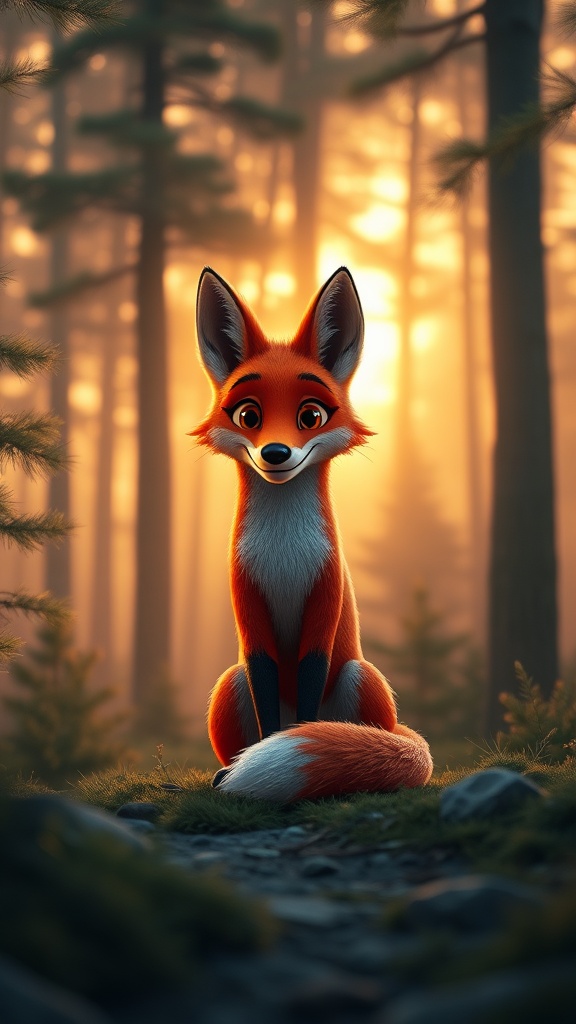
3D Animation
Glossy Pixar-style 3D render with soft lighting.
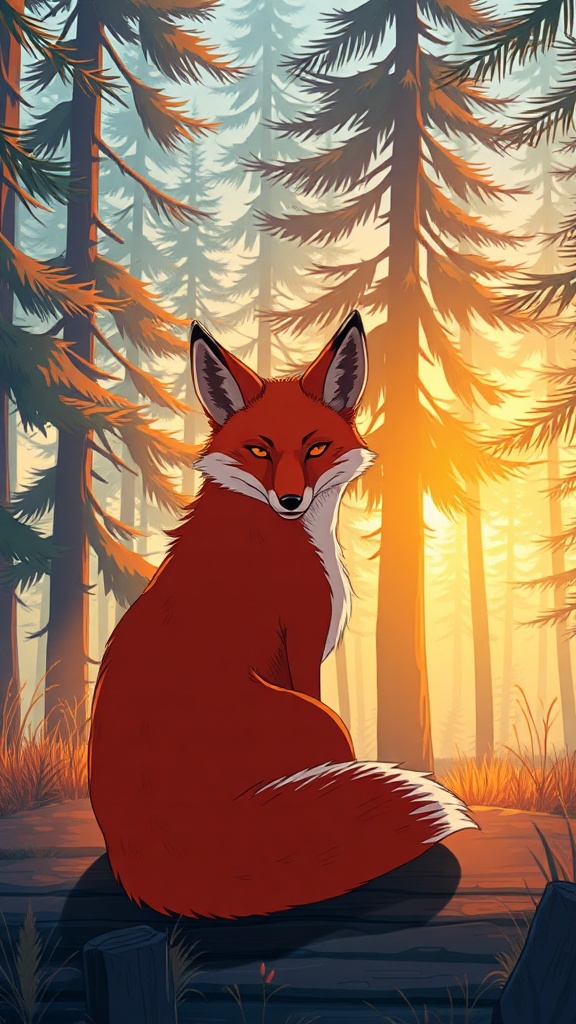
Anime
Clean cel-shaded anime key visual.
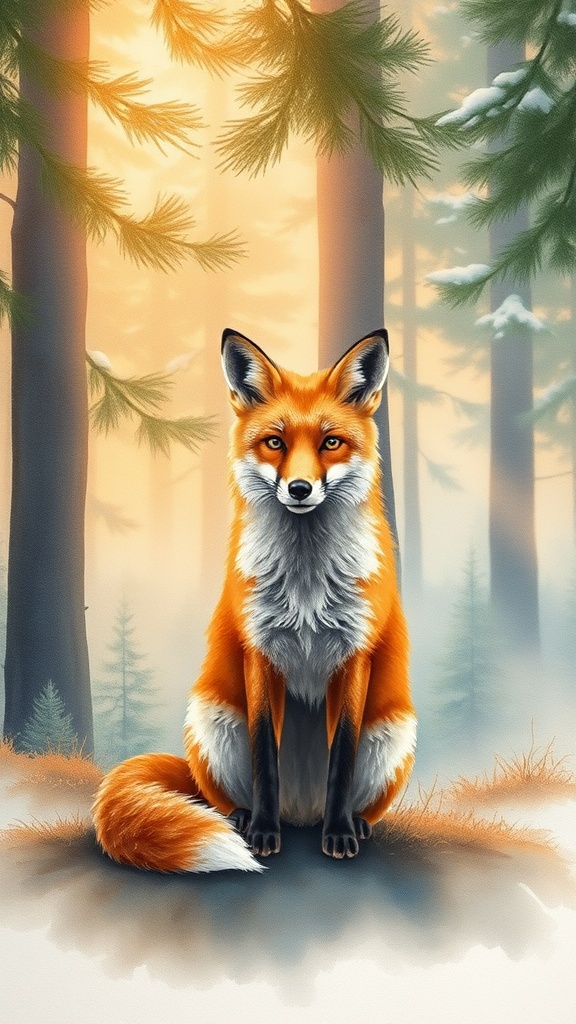
Watercolor
Soft hand-painted watercolor with paper texture.
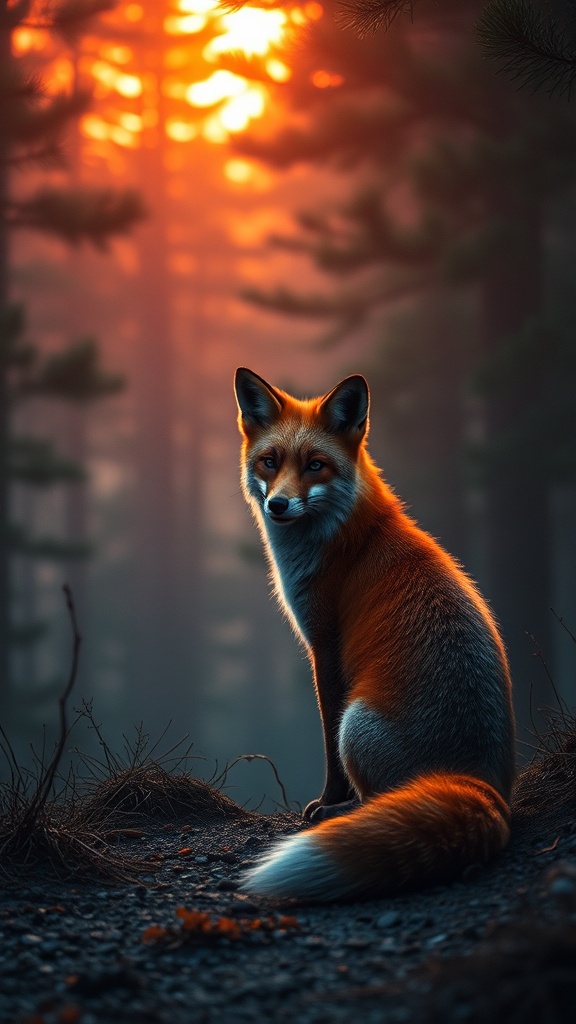
Cyberpunk Neon
Neon-lit futuristic scene with high contrast.
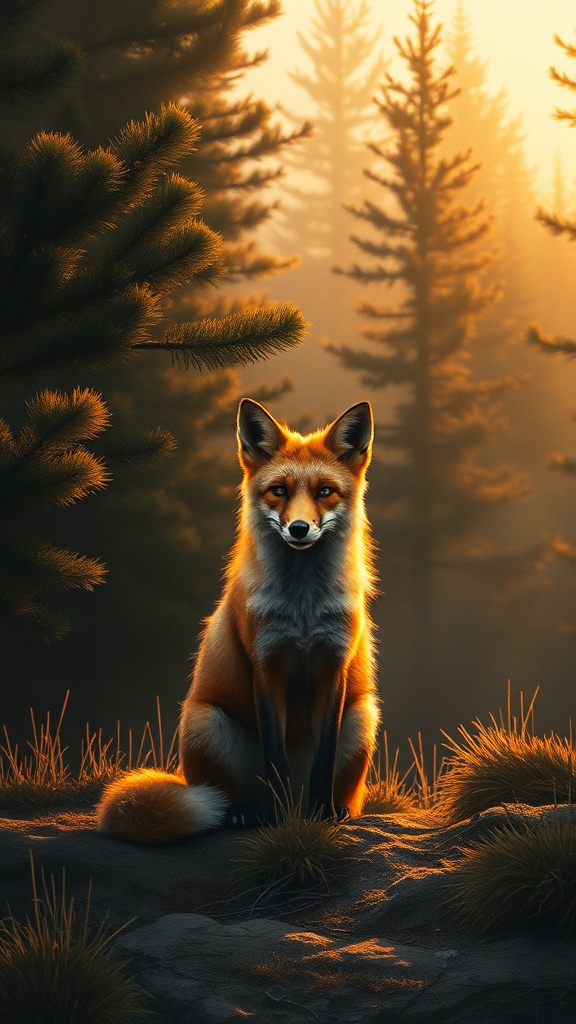
Oil Painting
Classical oil painting with rich brushstrokes.
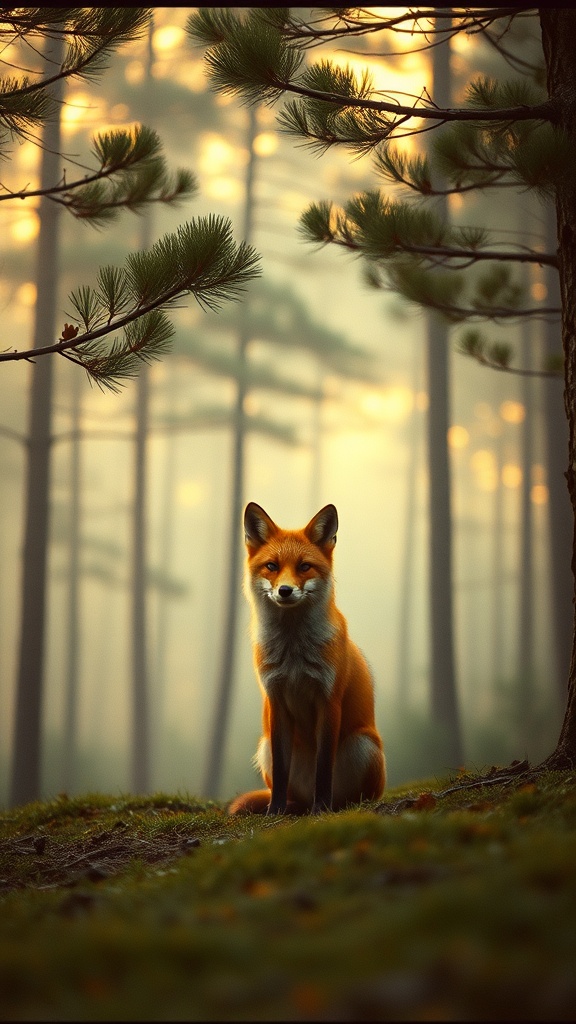
Vintage Film
Warm faded 35mm analog film look with grain.
Features
Everything the Prompt to Video Generator Handles
AI prompt writer
Stuck on the prompt itself? Generate Prompt invents a video idea; Improve Prompt turns your rough draft into a strong one — keeping your subject.
30s–3min duration slider
Set the exact length and the AI plans the right number of scenes and shots to fill it — no padded silence, no rushed endings.
One-click pipeline
Script, images, motion, narration, and render run as one automated pipeline. If a step fails, retry resumes where it left off.
Real cinematic motion
Ken Burns, parallax, dolly, zoom, and pans are computed camera moves — consistent every time, with none of the warped hands and morphing of AI video models.
Scene-level editing
After generation, open any scene to regenerate its image, swap the camera move, then apply changes and re-render.
Natural AI narration
Pick from natural AI voices and the whole video is paced to the narration — scenes last exactly as long as the story needs.
Word-synced captions
TikTok-style captions timed to every word, plus optional background music, baked into the final render.
Built for repeatable creation
Create a new short from each idea with the same streamlined workflow, consistent visual styles, and editable scenes.
Who It's For
What Can You Make From a Text Prompt?
History & facts channels
“The fall of Rome in 60 seconds” — faceless history, geography, and did-you-know niches are among the most monetizable on Shorts. One prompt per video, post daily.
Scary stories & mysteries
Creepypasta, true crime, and unsolved mysteries thrive on cinematic stills with slow dolly moves — the format this generator was built for.
Motivation & self-improvement
Turn a quote or a mindset idea into a dramatic narrated short with bold captions — the bread and butter of motivational TikTok.
Kids' & bedtime stories
Prompt a gentle story and render it in watercolor or 3D animation style with a warm narrator voice.
Product & promo shorts
Describe your product and the angle, and get a scripted, styled promo you can post the same day — no shoot, no editor.
Educational shorts
Explain a concept scene by scene with visuals painted for each point. For document-based lessons, pair it with the explainer studio.
FAQ
Prompt to Video AI — Frequently Asked Questions
A prompt to video AI turns a written idea into a video. Brainrot Shorts goes further than raw clip generators: from one text prompt it writes a scene-by-scene script tuned for short-form retention, generates every scene image in your chosen visual style, applies cinematic camera motion, narrates it with a natural AI voice, and burns in word-synced captions. The output is a finished 1080×1920 vertical MP4 for TikTok, Instagram Reels, and YouTube Shorts.
No, and that's deliberate. Scene visuals are AI-generated images animated with real, computed camera moves — Ken Burns, parallax, dolly, zoom, and pans. You get consistent, cinematic motion with none of the morphing artifacts of AI video models, at a fraction of the cost: you only pay image-generation credits plus a standard render.
Give it a concrete subject, an angle, and a tone — “the fall of Rome in 60 seconds, told like a thriller” beats “make a history video.” If you're stuck, the built-in prompt writer helps: Generate Prompt invents a complete idea, and Improve Prompt rewrites your rough draft into a stronger one while keeping your subject and constraints.
Anywhere from 30 seconds to 3 minutes — you set the exact target with a duration slider and the AI plans the right number of scenes and shots to fill it. Pacing follows the narration, so there's no padded silence or rushed ending.
Yes. Every scene stays editable after generation: regenerate any image, swap the camera move, then apply your changes and re-render. You can also change the visual style, voice, captions, or duration and run the whole pipeline again.
Most text-to-video tools return a short, silent AI clip that you still have to script, voice, caption, and edit together. This generator ships the complete short in one click — story, visuals, motion, narration, and captions — so the prompt is the only work you do.
Generation uses credits for scene images plus the standard render fee, without expensive per-second AI-video metering. See the pricing page for current plan details and included credits.
You do. Download the MP4 and post it to TikTok, YouTube Shorts, Instagram Reels, or anywhere else — faceless channels built on AI-generated shorts are fully monetizable on these platforms.
Your Next Short Is One Prompt Away
Type the idea, pick a style, hit generate. Script, visuals, cinematic motion, narration, and captions come back as one finished vertical video ready for your next post.