Candace Flynn AI Voice Generator
Write a Candace-style line, generate a short public preview, then move the clip into Brainrot Shorts for captions, timing, and full dramatic-meltdown edits.
- Public preview works on this page with no sign-in required
- Best for outraged reactions, callouts, dramatic spirals, and older-sibling exasperation
Try the Candace Flynn voice
Public previews are short, fast, and downloadable. Continue in the editor when you are ready to build a full video.
Preview status
Ready to generate
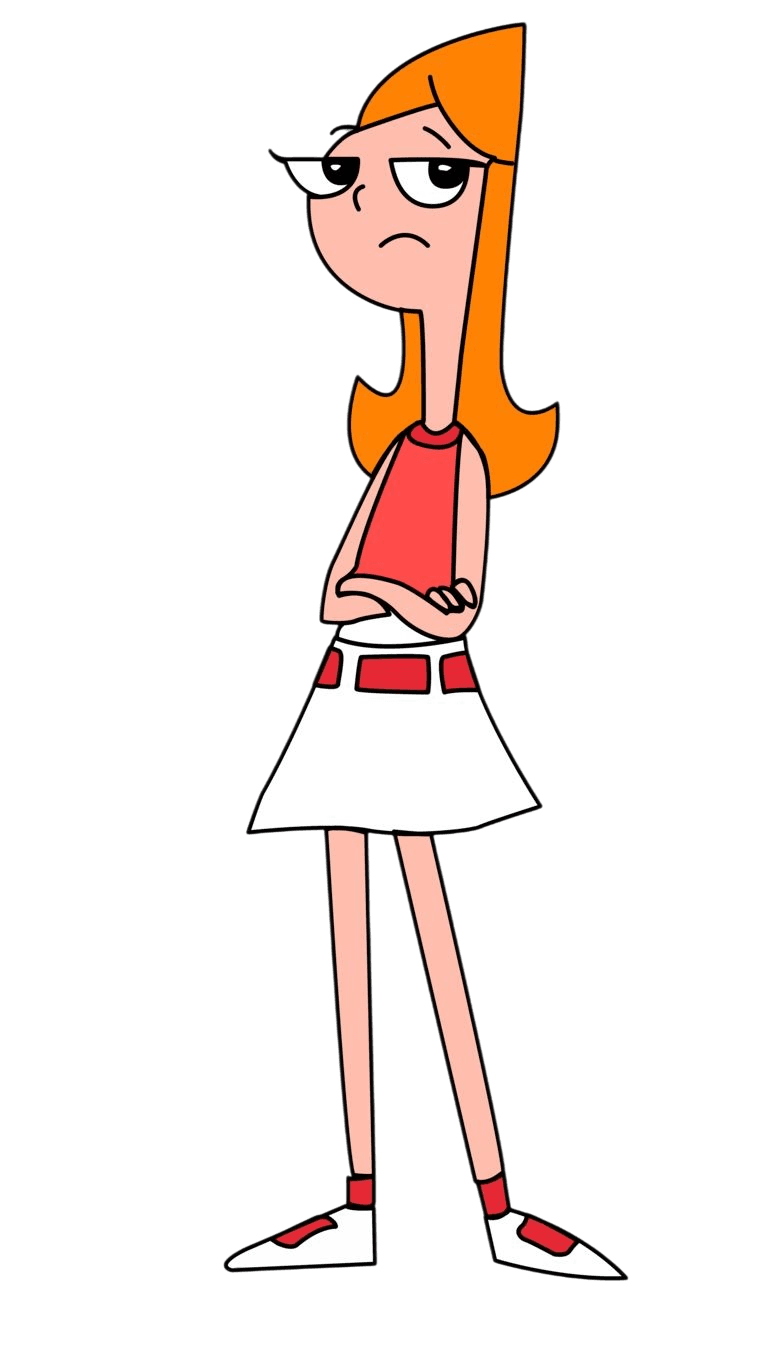
Candace works when the line sounds one unanswered text away from a full meltdown. The strongest clips feel urgent, theatrical, and personally offended that nobody else sees the problem.
What makes this voice work
Why Candace Flynn hits different
Meltdown theatrics
Candace sounds strongest when the stakes are small but the reaction is enormous, escalating line by line.
Great for callout formats
Expose-style hooks, trend debunks, and outraged commentary fit because the voice sells personal investment instantly.
Useful for relatable panic
If the script needs someone spiraling so the audience can laugh in recognition, Candace carries it without extra setup.
Three steps
How it works
- 1
Write one escalating Candace line
Start with an injustice, a discovery, or a plan to expose someone. The sentence should climb in intensity as it goes.
- 2
Generate the preview clip
Render the clip on this page, listen for the frantic rise, then download it if the drama still lands.
- 3
Build the full short in Brainrot Shorts
Use the editor for captions, reaction pacing, cutaway timing, and exports once the preview line is locked.
Writing guide
How to write for Candace Flynn
Do this
- Let the line escalate from annoyed to unhinged.
- Treat tiny problems like federal emergencies.
- Address an invisible authority figure when it fits.
- End on the biggest, most dramatic beat.
Avoid this
- Do not write Candace as calm or detached.
- Do not make the anger mean-spirited instead of theatrical.
- Do not flatten the line into monotone complaining.
- Do not bury the meltdown under long setup.
Creator use cases
What to make with Candace Flynn
Outrage reaction clips
Candace is ideal when the short reacts to something absurd and the comedy comes from how seriously she takes it.
Expose and debunk hooks
Trend takedowns, myth-busting, and behind-the-scenes reveals fit the busting cadence naturally.
Relatable panic humor
Deadline chaos, notification anxiety, and everyday spirals land because the voice makes panic funny instead of stressful.
Contrast scenes with Phineas
Use Candace for the meltdown and Phineas for the oblivious giant plan when you want the full sibling dynamic.
Related resources
Keep going
Need the sunny inventor voice?
Open the Phineas page if you want cheerful big-plan energy instead of dramatic panic.
Open the Phineas page →Want the scheming villain instead?
Doofenshmirtz is a better fit when the line should build to a reveal rather than spiral in real time.
Open the Doofenshmirtz page →Browse every live AI voice
Jump back to the voice hub if you want to compare Candace against the rest of the shipped Brainrot Shorts voices.
Open the voice hub →FAQ
Candace Flynn voice — common questions
Yes. This page includes the public preview flow, so you can type a line, generate the clip, listen to it, and download it without creating an account first.
Outraged callouts, dramatic spirals, expose-style hooks, and escalating panic usually work best. The sentence should start bothered and end fully unhinged.
Yes. Once the preview finishes generating, the page exposes the rendered audio file so you can listen first and then download the MP3.
No. This is an independent creator tool inside Brainrot Shorts. It is not affiliated with or endorsed by Phineas and Ferb or the original rights holders.
Yes. The normal path is to validate the line with the public preview, then continue in Brainrot Shorts for captions, timing, and exports once you are inside the editor.
Disclaimer: Candace Flynn is a fictional character associated with Phineas and Ferb. Brainrot Shorts is an independent creator tool and is not affiliated with, endorsed by, or sponsored by the rights holders.