If you only want the simpler build workflow, start with How to Make Family Guy Explainer Videos That Actually Convert. If you want the more opinionated version with account setup, inspiration research, warm-up, and publishing rhythm, stay here.
This article answers the broader set of questions people usually mean when they search how to make family guy explainer videos:
- how to set up the account
- how to choose a niche that can actually grow
- how to make Peter Griffin AI videos without copying everyone else
- how to use Brainrot Shorts without overcomplicating the workflow
- how to publish enough to get your first real signal
What these videos really are
At their best, these are not random meme clips.
They are short educational or reaction videos disguised as very watchable cartoon content:
- a recognizable voice or character
- one topic per video
- one fast hook
- simple captions
- a moving background
- a niche that makes the attention worth something
That is why the format can work for AI tools, business, side hustles, programming, scams, creator tips, tech commentary, finance basics, or almost any niche where people want a quick answer.
The character gets the first second.
The idea gets the retention.
The niche decides whether the account compounds.
Pick a niche before you create the account
One of the easiest ways to waste time is to make the account first and then start guessing what to post.
Do it in this order instead:
- Pick one niche.
- Pick one recurring content angle inside that niche.
- Then choose the character pairing that makes the angle easier to watch.
Examples:
- Peter + Stewie = claim and rebuttal
- Rick + Morty = cynical explainer and confused follow-up
- Peter solo = loud hot take
- Stewie solo = sharper, smug breakdown
If your goal is growth, stay with one niche for at least your first 20 to 30 posts. That is long enough to learn whether the idea is bad or the execution is bad.
Why start with Instagram Reels?
If the examples you are copying live on Instagram, starting with Reels is reasonable.
But keep the claim measured: Brainrot Shorts exports vertical videos that also work on TikTok and YouTube Shorts, and Instagram itself explains that Feed, Explore, and Reels use different ranking systems based on how people use them. Read Instagram's ranking overview and broader creator best practices if you want the platform's own framing.
The practical setup:
- create a dedicated niche account
- switch it to a professional account
- use a recognizable character profile image
- write a bio that says what the account explains
- prepare your first few ideas before your first post
Optional account warm-up tactic
This is where I want to keep your original insight, but frame it honestly.
Some creators like to "warm up" a new account before posting by doing this for 3 to 5 days:
- scroll the niche for at least 15 minutes a day
- follow a handful of strong accounts in the format
- save or note down hooks that keep showing up
- study their caption structure, pacing, and hashtags
I would treat that as a creator calibration tactic, not as a proven algorithm rule.
In other words:
- yes, it can help you train your taste
- yes, it can help you build better first posts
- no, I would not present it as mandatory platform science
If you are disciplined, use it. If you are already ready to post, do not hide behind it.
Should you make these videos in English?
If you want the broadest starting audience, English is still the safest default.
That does not mean other languages cannot work. It just means English gives you the biggest pool of viewers, examples, and adjacent topics. If you already know another market deeply, test both. If you are unsure, start in English, learn the format, then localize.
Accounts to study before you post
Do not clone these accounts. Study what each one does well, then build your own version of the format around a clear niche and stronger topics.
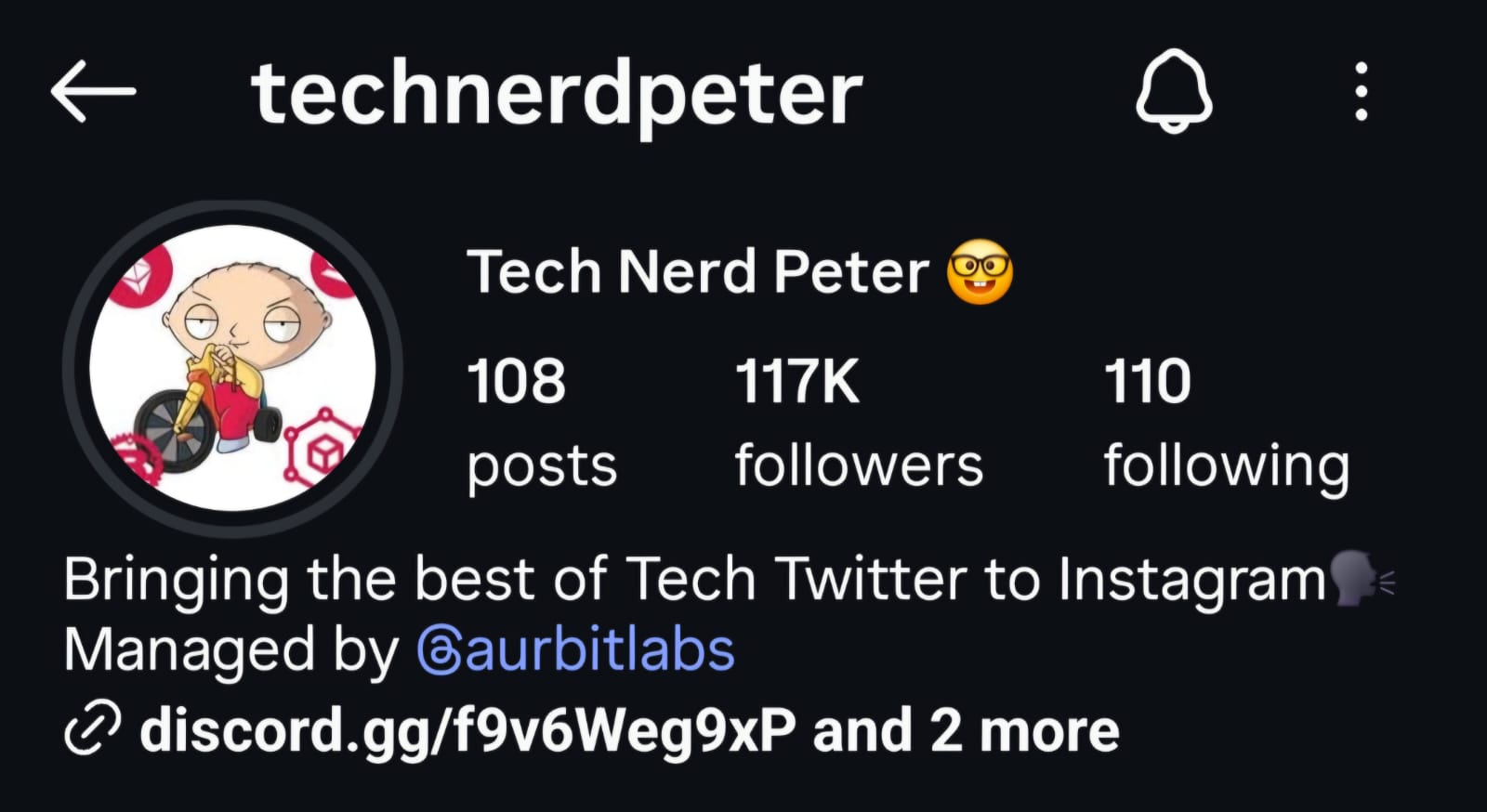
1. Tech Nerd Peter
- Account name: Tech Nerd Peter
- Handle:
@technerdpeter - What to study: topic choice, how technical ideas are simplified, how the hook gets to the point fast
- Notes: good example of a clean "tech news translated into simple reels" positioning
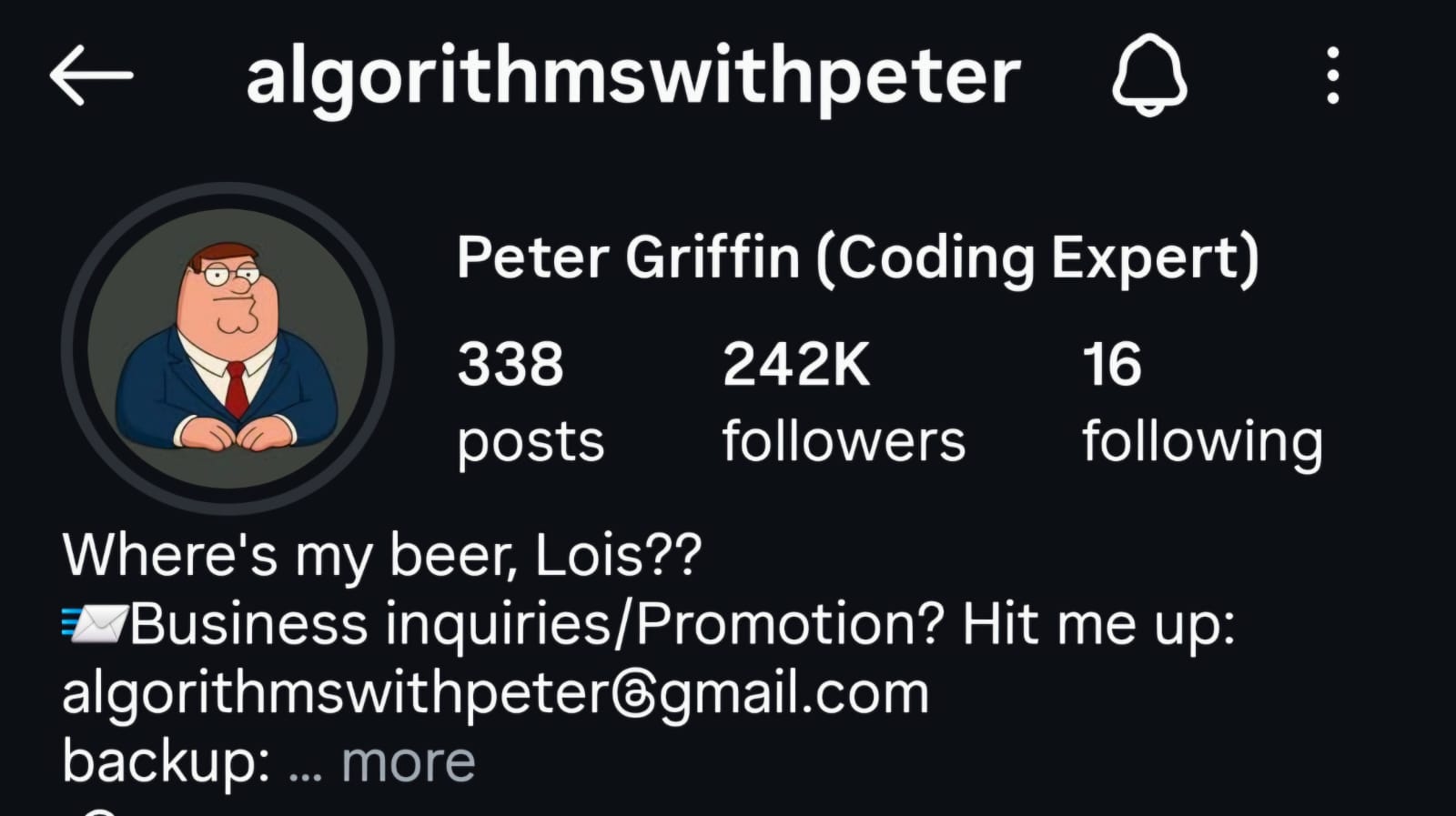
2. Peter Griffin (Coding Expert)
- Account name: Peter Griffin (Coding Expert)
- Handle:
@algorithmswithpeter - What to study: volume, strong niche commitment, and how the account leans into authority with a very obvious profile promise
- Notes: useful reference if you want a Peter-first account that stays tightly inside coding, business, or tech explainers
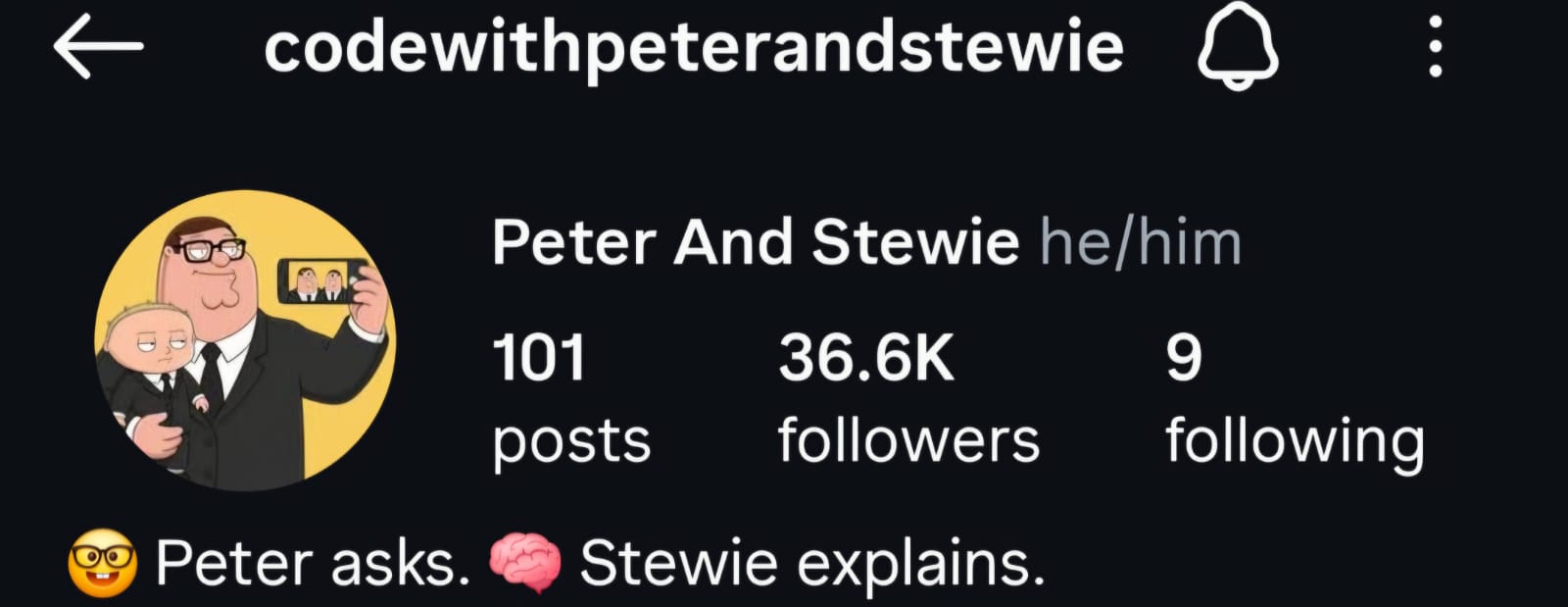
3. Peter And Stewie
- Account name: Peter And Stewie
- Handle:
@codewithpeterandstewie - What to study: two-character positioning, where one character asks and the other explains, plus how the profile sells the format in one line
- Notes: strong reference for dialogue-based explainers instead of solo commentary
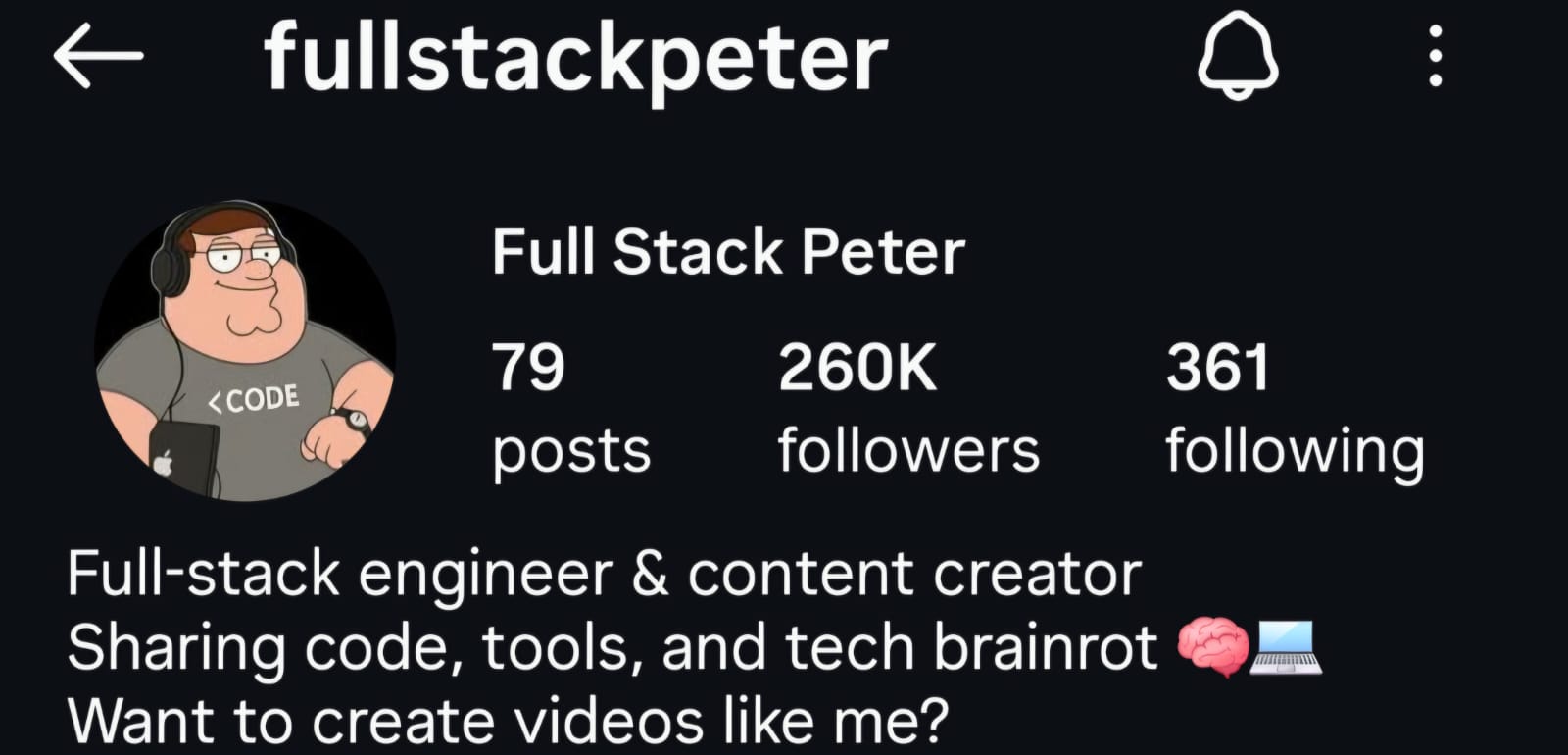
4. Full Stack Peter
- Account name: Full Stack Peter
- Handle:
@fullstackpeter - What to study: creator branding, developer positioning, and how the bio ties the niche to a content promise
- Notes: good model if you want the account to feel like a long-term brand, not just a meme page
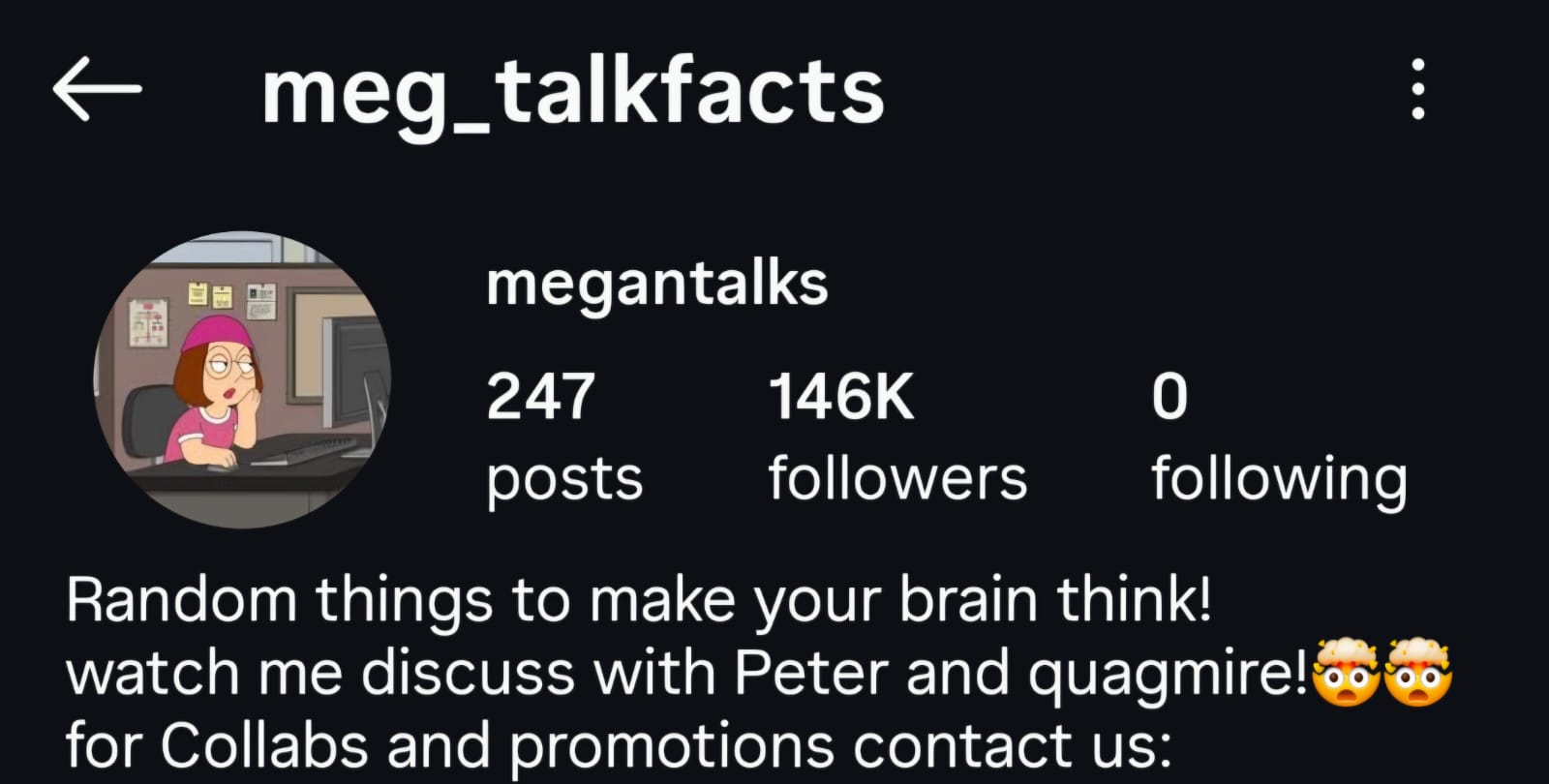
5. megantalks
- Account name: megantalks
- Handle:
@meg_talkfacts - What to study: how a non-Peter Family Guy character can still carry the format, especially for trivia, facts, and broader curiosity content
- Notes: useful reminder that the format is bigger than Peter Griffin alone
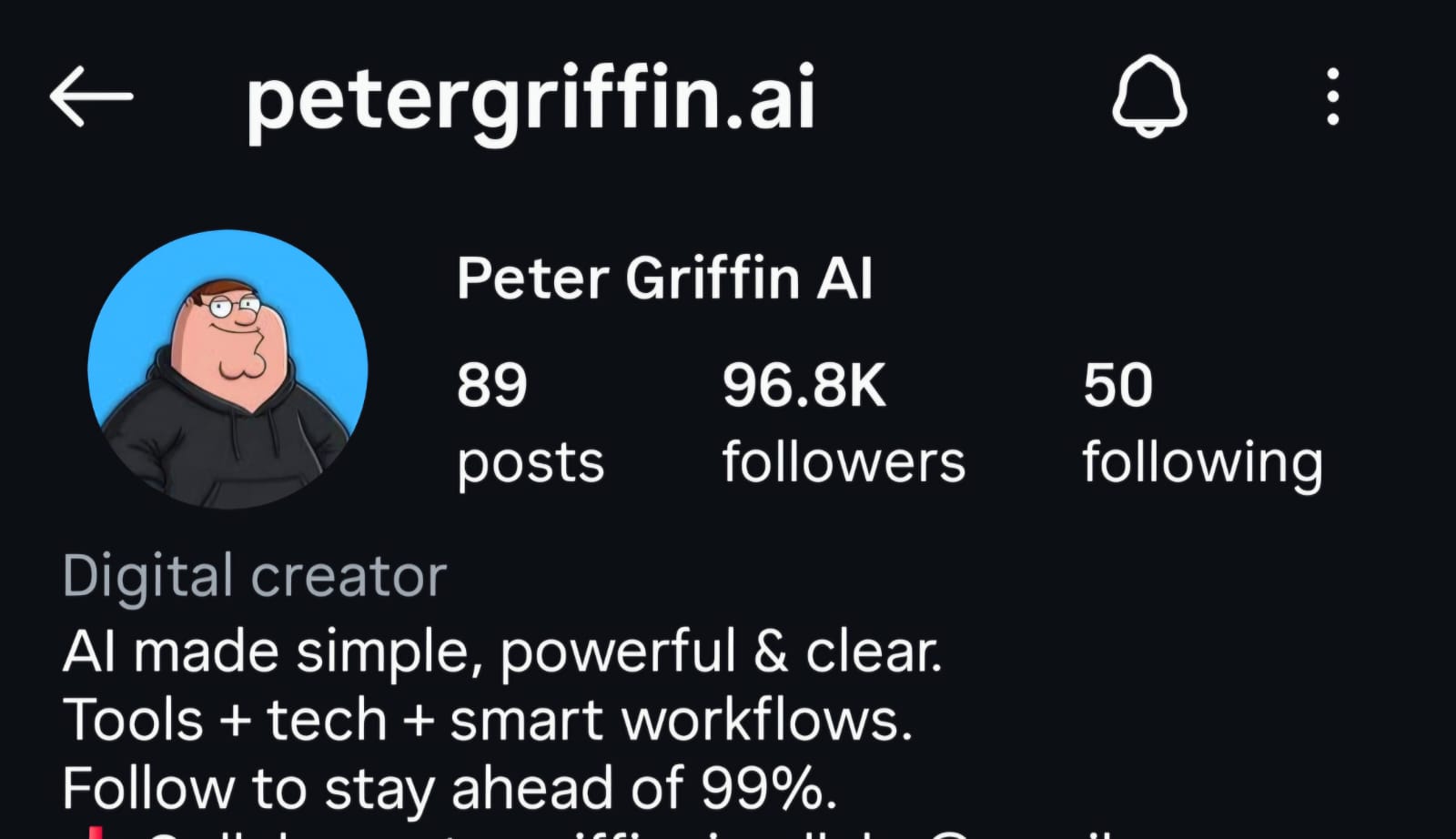
6. Peter Griffin AI
- Account name: Peter Griffin AI
- Handle:
@petergriffin.ai - What to study: AI-tool positioning, clearer "what you will learn here" messaging, and a simple single-character identity
- Notes: strong reference for anyone targeting AI tools, automation, or smart workflow content
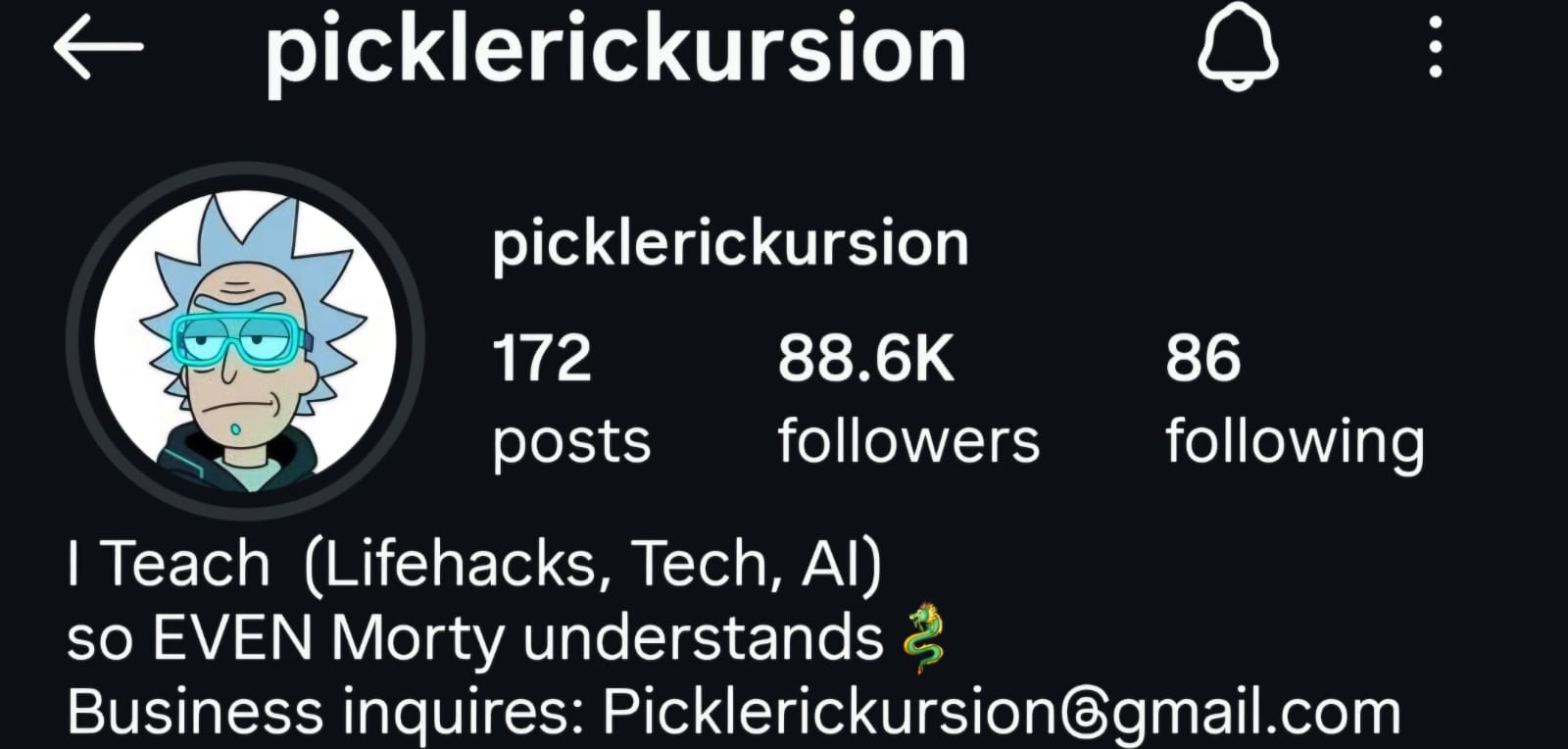
7. picklerickursion
- Account name: picklerickursion
- Handle:
@picklerickursion - What to study: how the same explainer format also works with Rick and Morty, especially when the character-topic fit is obvious
- Notes: good benchmark if you want a less saturated alternative to Family Guy while keeping the same style of brainrot explainer video
Choose the right Brainrot Shorts workflow for your plan
The clean version:
| Plan | Best workflow | What matters most here |
|---|---|---|
| Free | Start from Scratch | 5 videos per month, starter characters and voices, watermark, manual/external script generation |
| Lite | AI Script Writer | AI Script Writer, watermark-free exports, more caption styles, fuller built-in library, custom media uploads |
| Creator | Full in-app workflow | overlay web editor, AI Skin Creator, music studios, Motion Graphics, MCP Access, higher credit limits |
| Pro | Scale workflow | everything in Creator plus higher limits, private Discord access, and earlier feature access |
So:
- if you are on Free, you can still make the format work, but you will likely write or generate the script outside the app and import JSON
- if you are on Lite, the AI Script Writer is the fastest starting point
- if you are on Creator or Pro, you can keep more of the workflow inside the app
Use the AI Script Writer to generate the structure
If you are on Lite or above:
- Open your dashboard and click New Project.
- Choose AI Script Writer.
- Pick a niche or type a custom one.
- Click Generate Ideas to get 50 ideas.
- Select the best one and edit it if needed.
- Choose 1 to 4 characters.
- Click Generate Scripts.
- Review the three versions:
- Clear & Educational
- Funny & Entertaining
- Bold & Provocative
- Click Use this script.
If you are on Free, use the fallback from the older guide or generate JSON externally and import it with Paste JSON.
Build the video in Brainrot Shorts
Once the script is in, the core editor is simple:
- the left panel handles project settings, JSON import/export, caption style, watermark, and scene list
- the middle panel is the preview
- the right panel is Properties, where you change backgrounds and characters for the selected scene
Your real job here is not "make it fancy." It is:
- make the hook clear
- shorten weak lines
- keep the character readable
- use a background that supports the energy
- make captions easy to read


Add overlays only when they improve the joke
You do not need overlays on every video.
Use them when they add something obvious:
- screenshots
- arrows and labels
- charts, receipts, or examples
- memes that sharpen the point
The built-in Edit Overlays flow is a Creator/Pro feature and only opens after you have a completed render. On Free or Lite, keep the video simple or finish extra overlays in another editor.
Write the caption and hashtags with the same discipline
Weak captions do not usually kill a strong reel, but they can make the account look sloppy.
Use the finished script and rendered video to write a short caption manually. If you want an AI draft, copy the script JSON and take it to ChatGPT, Claude, or another model, then tighten the result before publishing.
The rule is simple:
- first line should reinforce the hook
- hashtags should support the topic, not replace it
- do not write paragraphs nobody will read
Publish like a system
This is the part most people want to skip, even though it is the part that gets the first views.
My practical default:
- start with 1 good post per day
- if quality holds, scale toward 1 to 3 posts per day
- keep the niche stable long enough to learn from the data
- do not delete underperformers too quickly
- study saves, shares, comments, and watch-through, not just views
If you want the algorithm to have something clear to learn, you have to stop sending mixed signals.
That means:
- same niche
- similar format
- clearer hooks over time
- more useful topics, not random ones
Mistakes that slow down first growth
- changing niche every few posts
- copying other accounts too literally
- using long, article-like scripts
- making the joke the whole point instead of the wrapper around something useful
- overediting weak scripts
- posting inconsistently and expecting the account to self-correct
One more practical note: if you are using recognizable characters, stay aware of platform rules and intellectual property risk. Brainrot Shorts is an independent creator tool, not affiliated with the original rights holders, and Instagram's own intellectual property guidance is worth reading before you try to scale this aggressively. This is practical creator guidance, not legal advice.
Final takeaway
If the older guide is the production walkthrough, this one is the launch system.
The sequence is:
- pick a niche with real demand
- study the accounts already winning in that niche
- optionally warm up your taste for 3 to 5 days
- build the video cleanly in Brainrot Shorts
- post consistently long enough to get signal
That is how you go from "how do I make this format?" to "how do I make this format work?"